

Staring at your computer screen wondering where to start? The hardest part of building a church website is often knowing where to begin. Let’s break down the process together so you can move from that blinking cursor to a beautiful, functional website—one step at a time.
How to Build a Church Website
1. Plan Your Website
Take a moment to consider who will be visiting your website, what actions you’d like them to take, and what pages or content will be needed to make that happen. A successful website should not only provide the information a person is looking for but also inspire people to take action. If you’d like further inspiration, check out 12 Things Every Church Website Must Have.

2. Choose a Domain
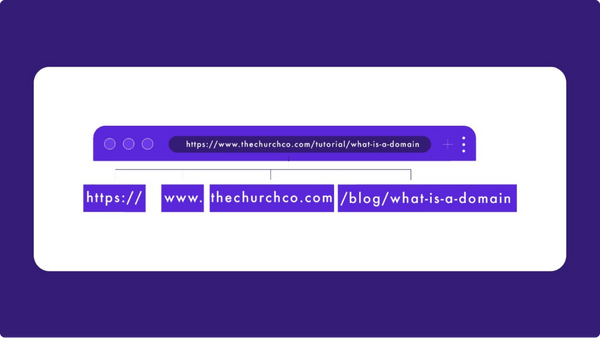
If you don’t already own a domain, you’ll need to purchase a domain name from a provider such as hover.com. Choose a short, memorable domain name that reflects your church’s identity, uses a common extension like .com, .org, or .church, and is easy to spell and recognize. Read our full guide at What is Domain Name for Beginners and why it matters for your Church.
3. Select a Website Platform and Hosting
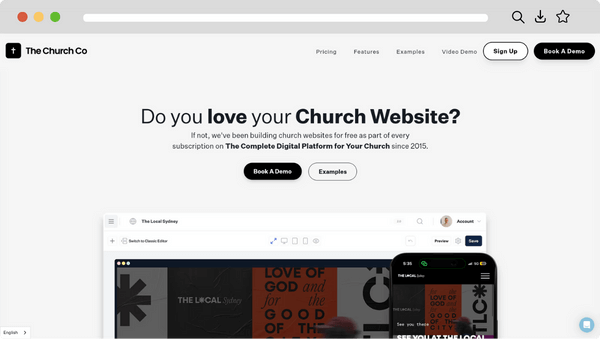
Before choosing a website builder or church-specific platform, take time to research your options and find one that best fits your ministry’s needs—considering factors like pricing, ease of use, integrations, features, and support. To feel better equipped in making your decision, read Questions To Ask When Picking A Website Builder.
4. Design and Build
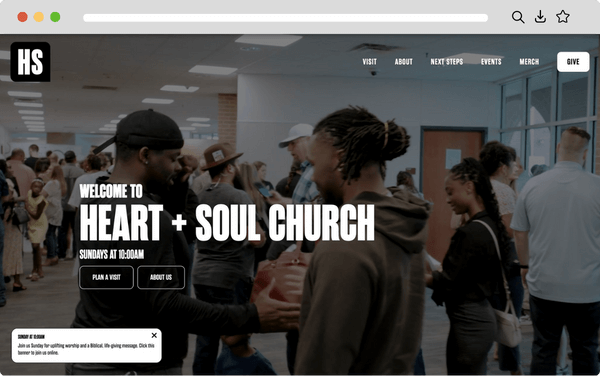
Create a church website that is welcoming, user-friendly, authentically represents your church, and effectively connects with both members and newcomers. Starting with an existing template or theme is a great way to save time and maintain a cohesive look. You can also explore other church websites for creative inspiration—have a look at these designs!
5. Launch and Promote
Launching your new website and seeing it come to life is just the beginning—reach more people by strengthening your search engine optimization (SEO) and taking advantage of $10,000 a month in free advertising through the Google Ad Grants program. Don’t forget to maintain your website, keeping it up to date with your latest events and information.

Final Thoughts
We hope this gives you a clearer picture of how to build your church website. If you need help at any stage, feel free to contact our friendly team—we’re here to help or guide you to the right resources.