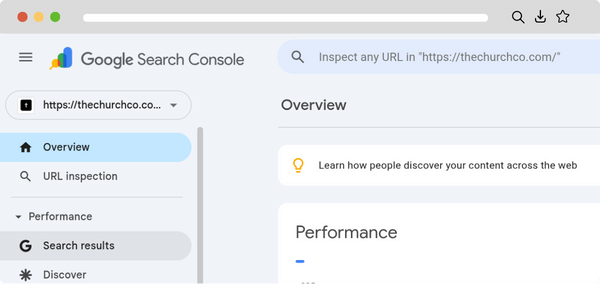
No need for a special revelation—Google already knows how people find your church website. Let’s explore how to use Google Search Console to discover those keywords so you can optimize your content and better reach new people.
What is a keyword?
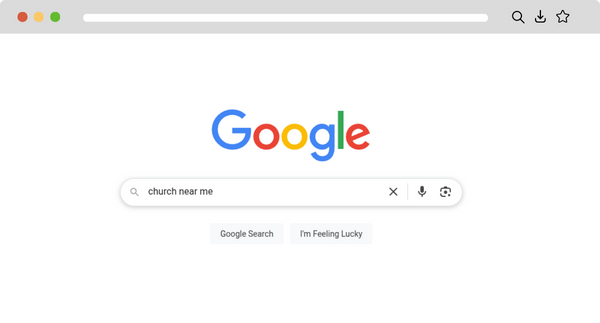
A keyword is a specific word or phrase that people type into search engines like Google. For example, someone looking for a church might type “church near me” or “family-friendly church services.”
Why do keywords matter?
Optimizing each page for specific keywords can help search engines better understand and rank your pages, making it easier for new people to find and connect with your church. Knowing the exact words and phrases your visitors type into search engines allows you to tailor your website’s content and messaging to meet their needs and interests.
How do I see the keywords people use?
Using Google Search Console, you can discover what search terms people are using that display your site in Google Search results.
Log into your Google Search Console account.
Select your website property at the top of the menu on the left.
In the left menu, click on Performance.
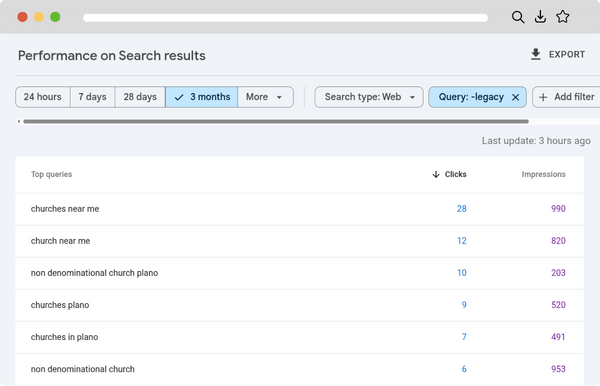
In the Performance report, look for the Queries tab below the main graph. This shows the keywords (search queries) that brought users to your site.
You can see key metrics like clicks, impressions, average click-through rate (CTR), and average position for each keyword.